Where these skills came from
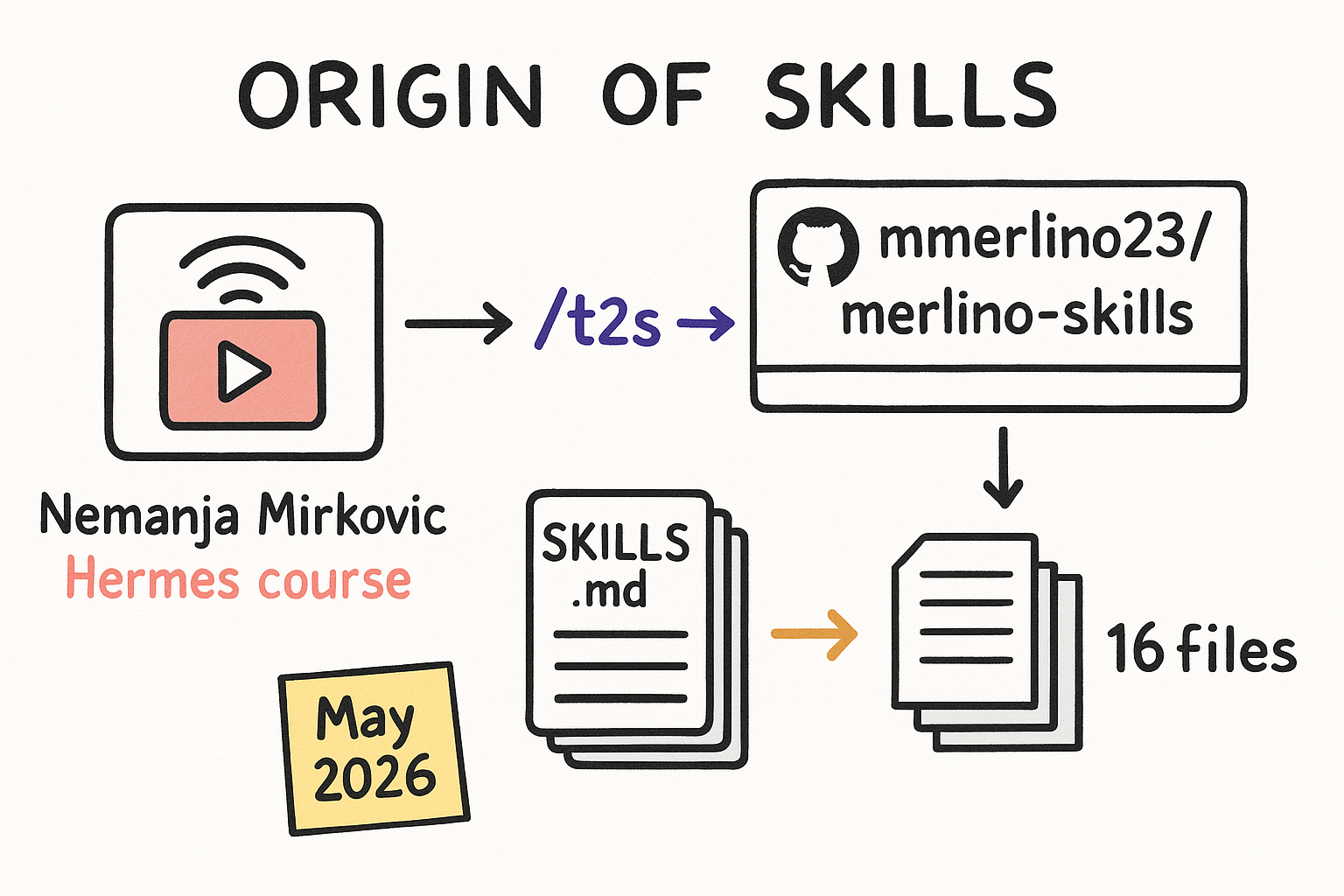
The hermes-* skills were distilled by the /t2s pipeline from Nemanja Mirkovic's Hermes course. They live in the mmerlino23/merlino-skills repo as pure knowledge docs, 16 skills total. They are not tools that run. They are playbooks your agents can load.
- Source: Nemanja Mirkovic's Hermes course.
- Built via the /t2s (transcript-to-skill) pipeline.
- Live in the mmerlino23/merlino-skills canonical repo.
- 16 skills total.
How to use a reference skill
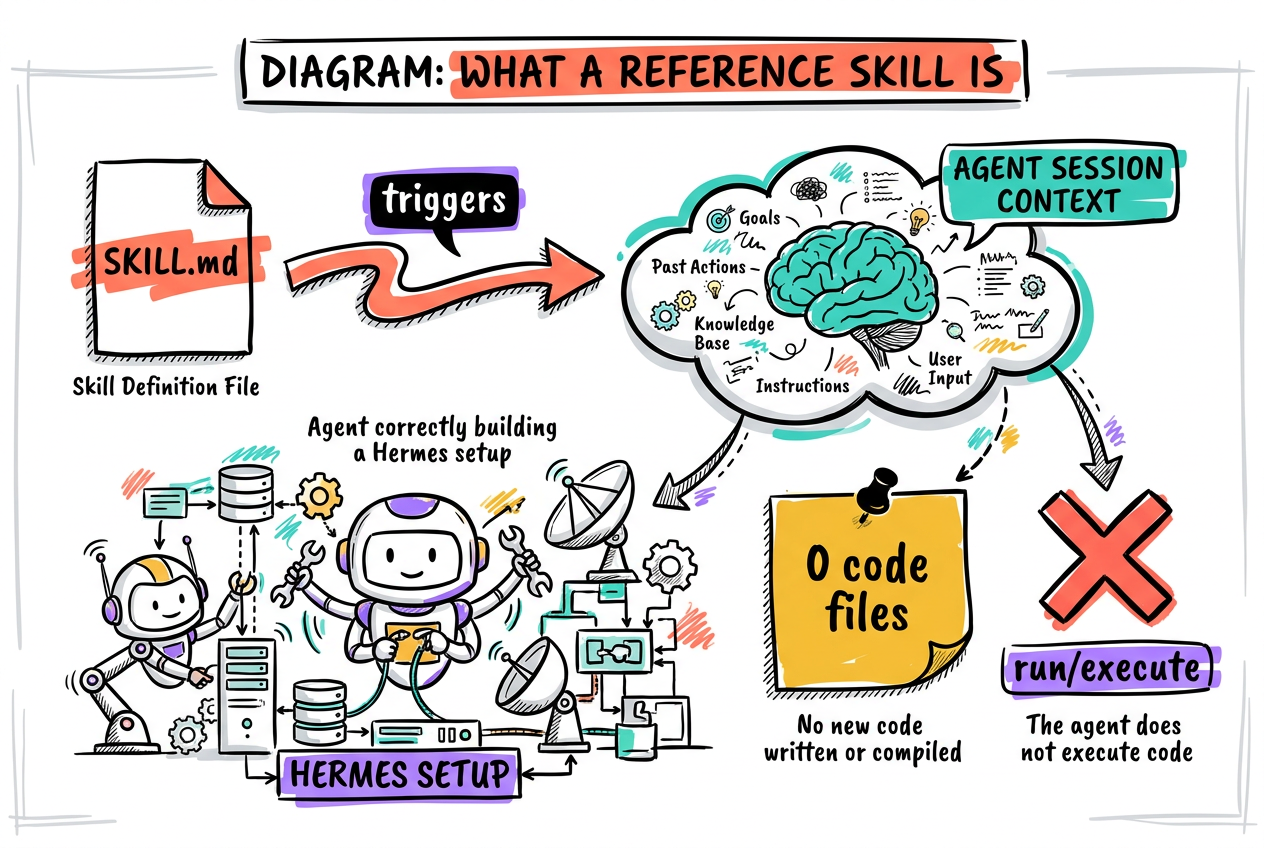
These are knowledge skills. Each one is just a SKILL.md with no executable code. You do not run them. You invoke the skill, or its trigger fires automatically, and it loads Hermes know-how into the agent so the agent does the task correctly. Teaching the team: tell the agent the task, name or let it match the skill, and the skill steers it. One skill equals one repeatable playbook your team can lean on.
- Invoke the skill or let its trigger fire.
- It injects the know-how into the agent session.
- The agent executes with that expertise.
- One skill = one repeatable playbook your team can lean on.
The 8 skills and when to reach for each
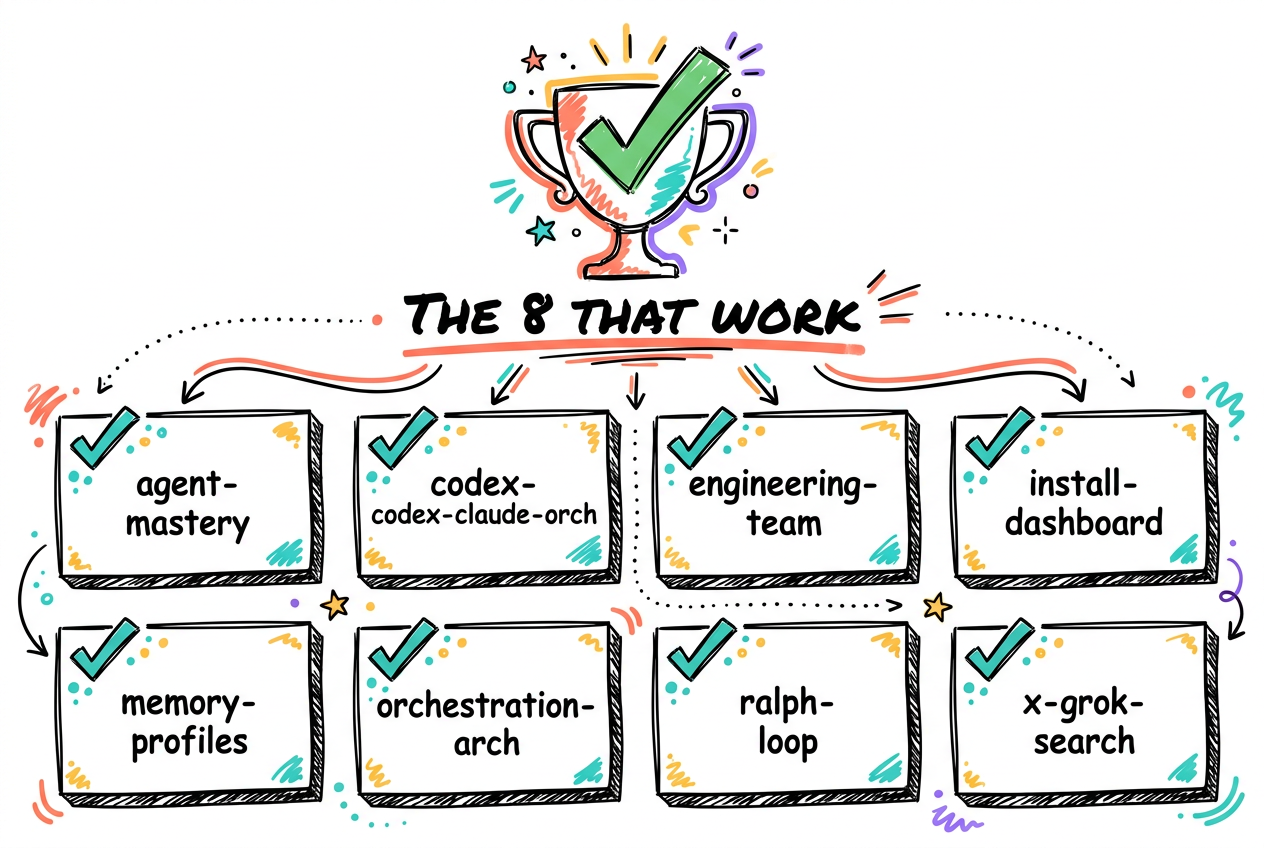
These 8 are confirmed working on the Mac. Each one is a distinct playbook for a specific Hermes use case. Know when to reach for which one and your team stops guessing.
- hermes-agent-mastery: tune an agent for power use (profiles, skills, memory, workflows). Reach for it when setting up or improving an agent.
- hermes-codex-claude-orchestration: one orchestrator drives Codex to build and Claude to review via their CLIs. Reach for it for a build-then-review coding loop.
- hermes-engineering-team: stand up a team that ships code (orchestrator + leads, bug to staging to prod). Reach for it when you need a dev team, not just chat.
- hermes-install-and-dashboard: install Hermes and run the dashboard/TUI as an always-on service, recover sessions. Reach for it for first setup and keeping it live.
- hermes-memory-and-profiles: set up memory (mem0/Honcho) and write soul.md/user.md profiles. Reach for it to give an agent identity and memory.
- hermes-orchestration-architecture: wire Hermes as orchestrator with Claude + Codex workers and route tasks (ephemeral vs persistent sub-agents). Reach for it when designing how agents hand off work.
- hermes-ralph-loop: autonomous AFK builds that run until done; pick /goal vs Ralph vs Kanban. Reach for it for overnight unattended builds.
- hermes-x-grok-search: real-time X/Twitter search via Grok, brand-mention monitoring, pain mining. Reach for it for live X data inside Hermes.
The Hermes setup that powers them
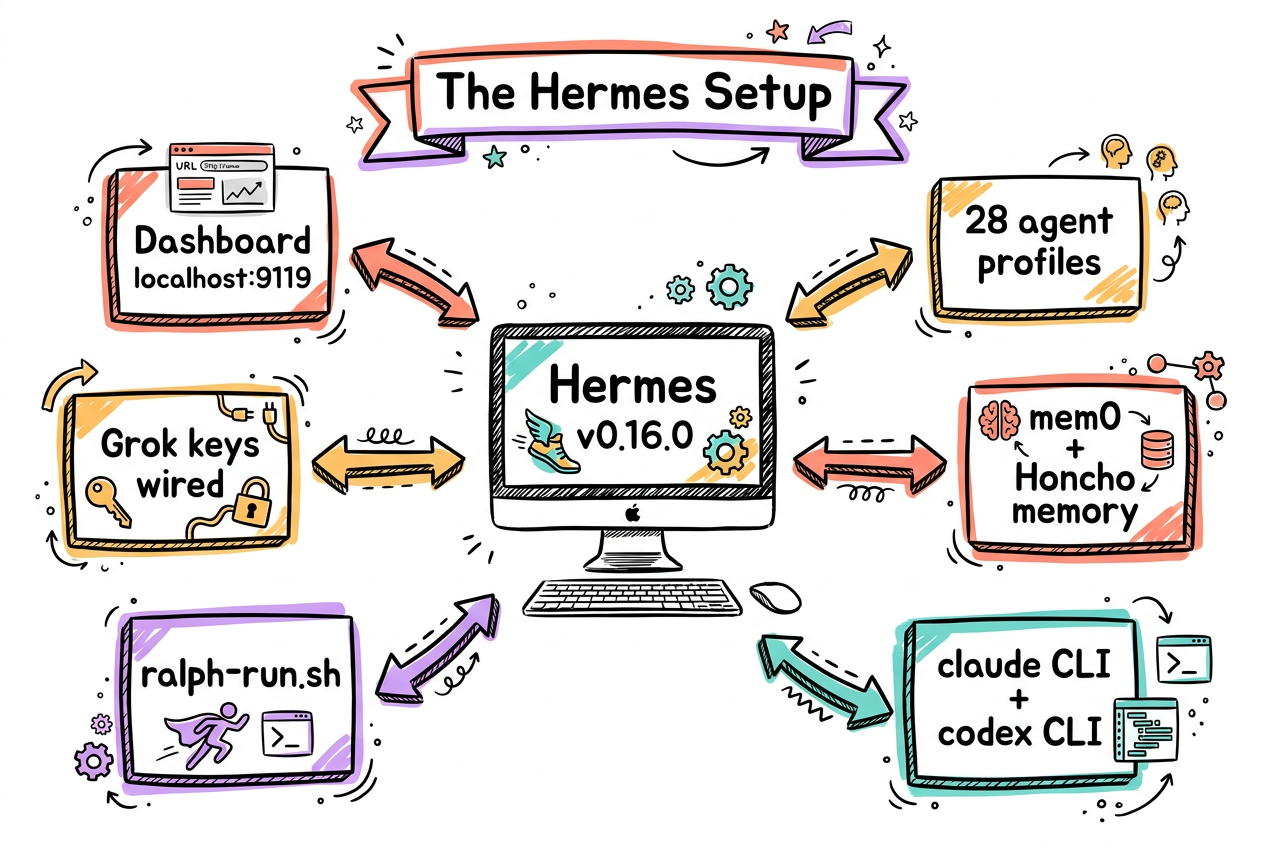
Hermes v0.16.0 running on the Mac, dashboard at localhost:9119 via a launchd service. 28 agent profiles installed. mem0 plus Honcho hybrid recall enabled. claude CLI and codex CLI both present. ralph-run.sh and Grok keys wired.
- Hermes v0.16.0, Python venv.
- Dashboard at localhost:9119 via launchd service.
- 28 agent profiles.
- mem0 + Honcho memory. claude CLI + codex CLI. ralph-run.sh + Grok keys.